
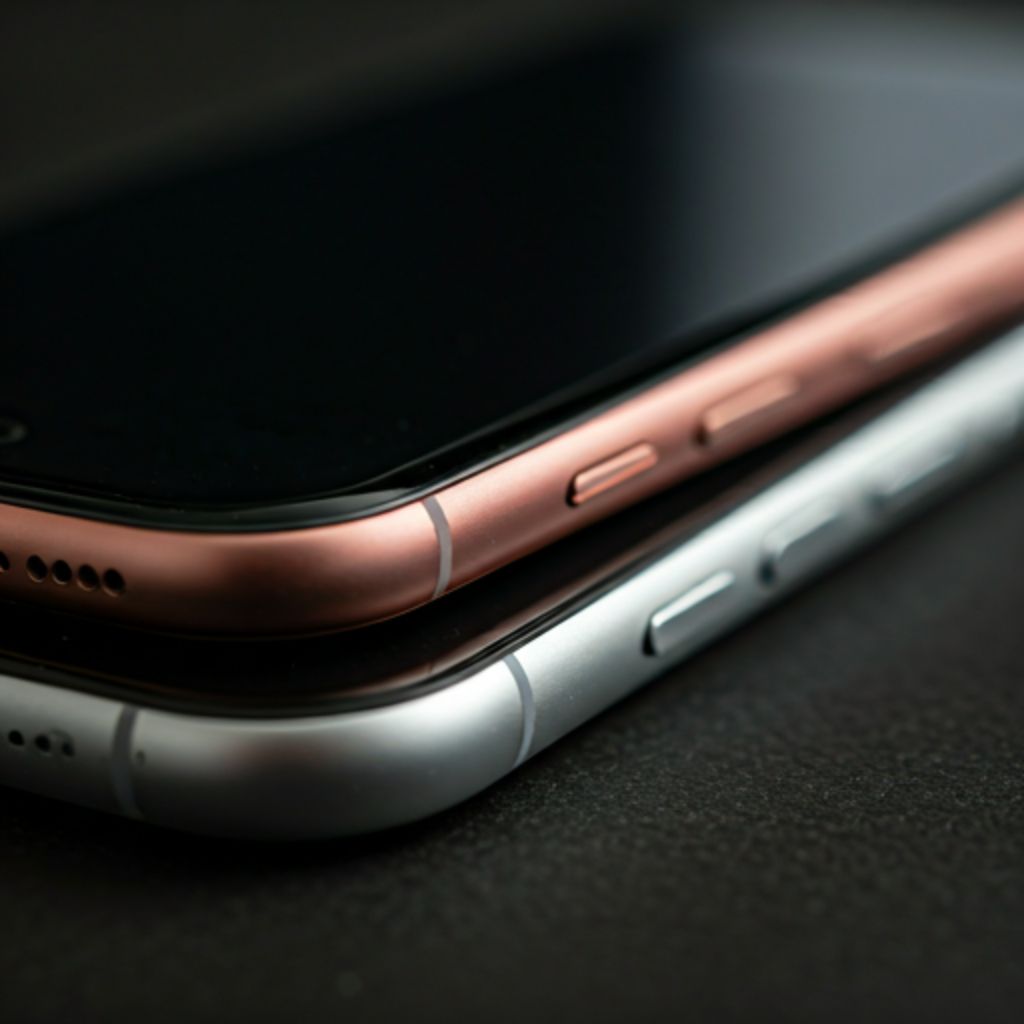
Need to Fix the Charging Port on Your iPhone?
Select Device
Select Category
Select Model
Select Repair Type
iPhone 14 Pro Max
39 Commercial Street Newport NP20 1HP United Kingdom
Open 9:00 AM - 6:00 PM (Mon-Sat)
Open 11:00 AM - 4:00 PM (Sunday)
Symptoms of a Failing Charging Port
Intermittent Charging
Charging starts and stops unless you hold the cable at a specific angle.
Slow Charging
Device takes significantly longer to reach 100% or won't charge past a certain point.
No Data Connection
The computer doesn't recognize your iPhone or iPad when plugged in via USB.
Cable Doesn't Click
The cable feels loose or falls out easily because debris or damage prevents a secure lock.
Overheating
The port area feels excessively hot during charging, indicating a possible short circuit.
What Damages Your Charging Port?
Pocket Lint & Dust
Compressed debris from pockets or bags prevents cables from seating correctly, leading to connection drops.
Moisture & Corrosion
Humidity or accidental spills cause copper oxidation on internal pins, creating "burnt" contacts.
Poor Quality Cables
Non-MFi cables often have slightly larger tolerances that physically widen and damage the port housing over time.
Car Vibration
Charging while driving causes constant micro-movements of the cable, gradually loosening the port solder joints.
Inside Our Precision Cleaning Process
Micro-Inspection
We use high-definition microscopes to identify debris types or physical pin damage before touching the device.
Anti-Static Tools
Specially designed non-conductive picks and brushes remove packed lint without short-circuiting sensitive electronics.
Chemical Deoxidation
99.9% Isopropyl alcohol and specialized contact cleaners dissolve oxidation and sticky residue from pin contacts.
Controlled Drying
Low-pressure air streams ensure no moisture remains before testing power intake.
USB Power Metering
Final verification using digital power meters to ensure the device pulls the correct amperage and voltage.
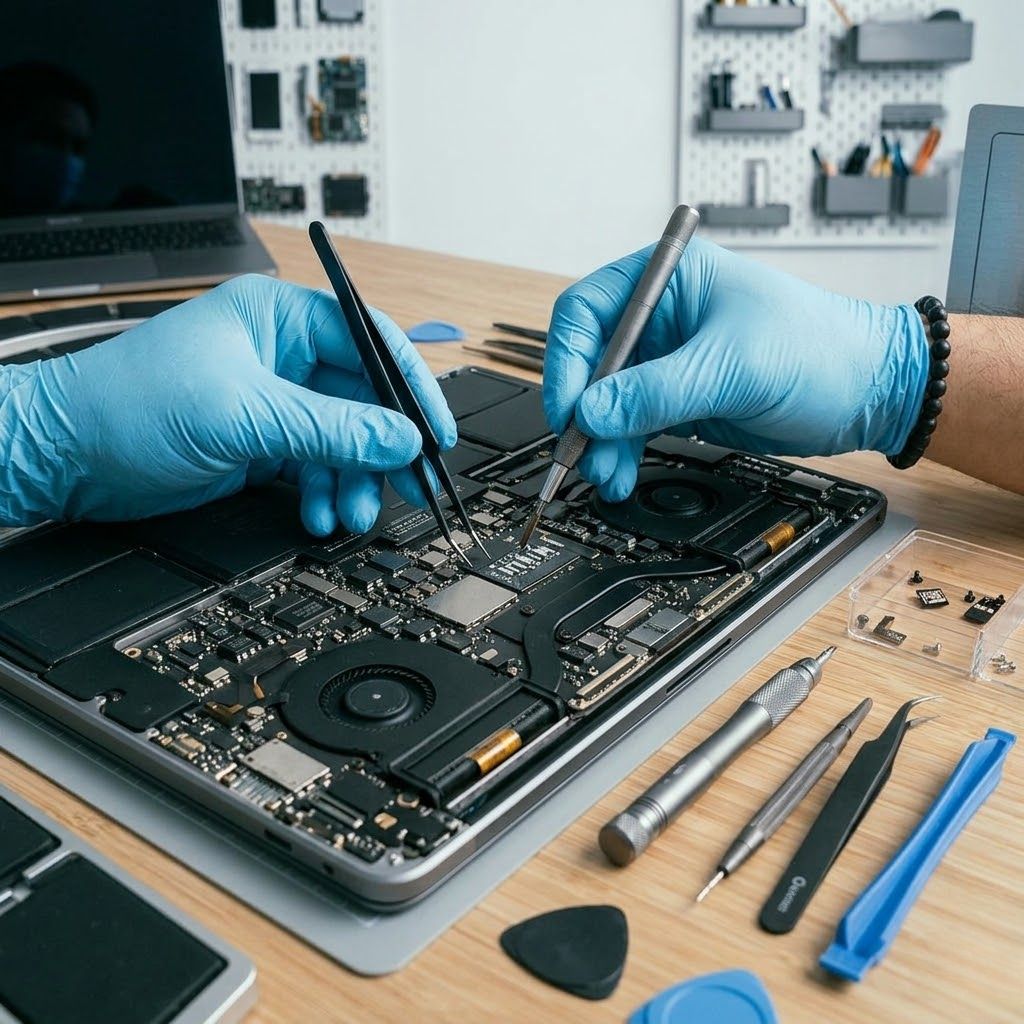
90% Success Rate
Most "broken" ports just need a clinical clean rather than a full replacement.
Our Diagnostic & Repair Approach
Initial Inspection & Cleaning
Often, compressed lint is the culprit. We clean first before recommending a replacement.
Testing
Voltage and current monitoring to confirm power intake issues vs. battery health.
Precision Replacement
Complete removal and replacement of the charging ribbon using OEM-grade parts.
Post-Repair Testing
Every repair undergoes a 5-point test including fast charging and data sync verification.
Warranty & Aftercare
Every repair comes with our industry-leading 12-month warranty for total peace of mind.

The Transition: Lightning vs. USB-C
The 8-pin digital connector used since 2012. While durable, it's limited in data speeds and charging wattage compared to modern standards.
Standard on iPhone 15+ and recent iPads. Offers significantly faster charging, high-speed data transfer (up to 10Gbps), and compatibility with universal cables.
Why the switch?
- Universal standard reduces electronic waste and simplifies your travel kit.
- Support for external displays and accessories without proprietary adapters.
- Enhanced Power Delivery (PD) for much faster recharging cycles.
Repair Lead Technician
Repairs for All Apple Models
iPhone 13 Series
Fast iphone 13 charging port replacement and iphone 13 pro max charging port replacement to restore lightning-fast power.
iPhone 12 Series
Professional iphone 12 charging port replacement and iphone 12 pro charging port replacement using high-grade flex cables.
iPhone 11 Series
Reliable iphone 11 charging port replacement and iphone 11 pro charging port replacement.
Classic Models
Affordable iphone x charging port replacement cost and iphone 7 plus charging port replacement to keep your device running longer.
iPad Repairs
We service all iPad Pro, Air, and Mini charging ports (Lightning & USB-C).
Why Choose Our Newport Apple Charging Repair?
For First-Time Clients
Mobile Call-Out
We repair at your home, office, or even a local coffee shop.
Apple Specialists
Exclusive focus on Apple hardware means deeper expertise.
30-Minute Fix
Most ports are replaced same-day in under 30 minutes.
Transparent Pricing
No hidden fees. The price we quote is the price you pay.
What Damages Your Charging Port?
Use MFi-Certified Cables
"Made for iPhone" (MFi) cables are manufactured to Apple's exact physical specifications. Cheap cables can be slightly too wide or too narrow, permanently stretching or bending the pins inside your port.
Proper Handling
Never "wiggle" the cable to get a connection. If it doesn't charge, there's a reason. Avoid using your phone while it's plugged in, as tension on the cable puts leverage on the internal solder joints.
Embrace Wireless Charging
Using MagSafe or Qi wireless charging for your daily power needs reduces the physical wear and tear on your charging port by 90%, reserving the physical port for emergency data or CarPlay only.
The Future of Charging Technology
Universal Standards
The global adoption of USB-C ensures that future devices will share common ecosystem components.
The Port-Less Vision
Apple continues to refine MagSafe technology, aiming for a future where physical vulnerabilities are removed entirely.
Why Maintenance Still Matters
What is the iPhone Charging Port Replacement Cost?
Professional Cleaning
Removal of debris, lint, and corrosion treatment.
- Microscopic debris removal
- Contact point polishing
- Chemical corrosion treatment
Full Component Replacement
Brand new OEM-grade charging flex installation.
- Brand new internal ribbon cable
- Full mic & headphone jack (where applicable)
- 12-Month Hardware Warranty
Apple Repair Insights
Lightning vs. USB-C
Understanding why Apple transitioned and what it means for your repair longevity.
Precision Cleaning
Why toothpicks are dangerous—our process uses static-free microscopic tools.
Common Causes
Pocket lint, humidity, and non-certified cables are the top killers of Apple ports.
Future of Charging
Will the iPhone go portless? MagSafe and the future of Apple device power.