
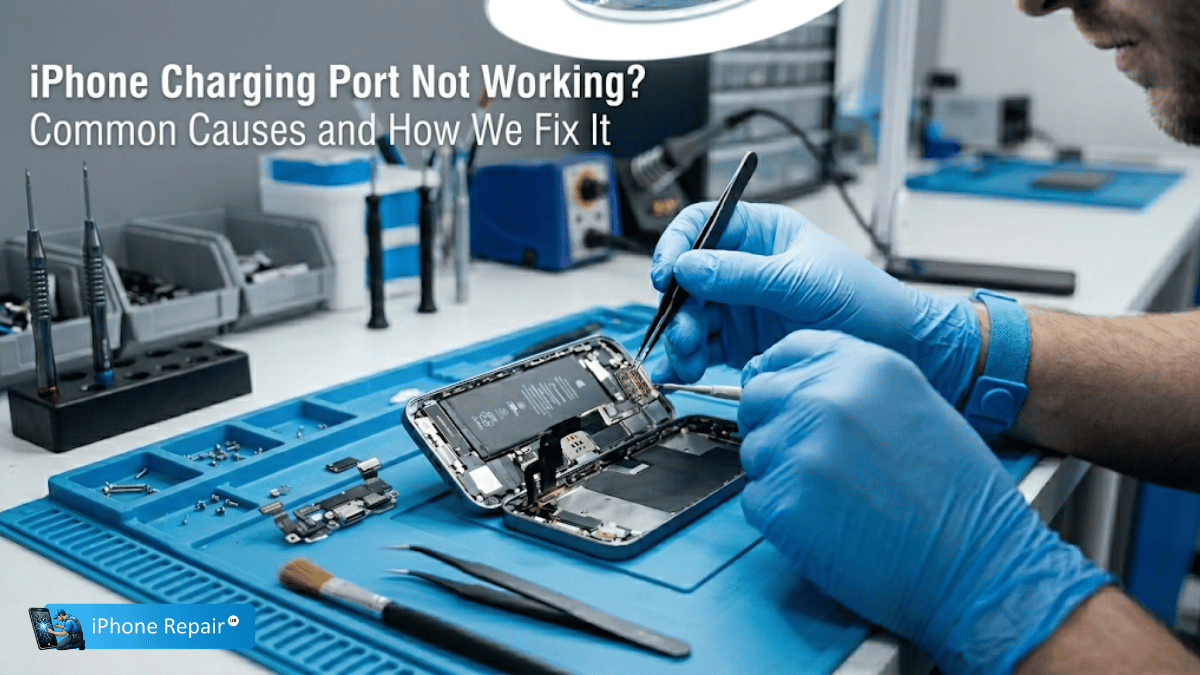
An iPhone that won’t charge is almost always caused by one of five things: lint and debris packed into the charging port, a damaged or non-certified cable, moisture corrosion on the port’s pins, physical damage to the port itself, or a software glitch. Most debris issues can be resolved at home with careful cleaning, but if the port is physically damaged or corroded, professional iPhone charging port repair Newport from iPhoneRepairUK can have your device working again the same day.
Few things are more frustrating than plugging in your iPhone at the end of a long day and seeing… nothing. No charging icon, no vibration, no response whatsoever. Before you assume the worst, it’s worth understanding that charging failures are one of the most common iPhone faults we see at our Newport workshop—and the majority are fixable, often quickly and affordably.
This guide covers every common cause, walks you through safe at-home troubleshooting, and explains exactly what happens when the port needs professional attention. If you’re ready to skip the DIY and get a confirmed fix, head straight to our iPhone & iPad charging port replacement page.
Common Causes of iPhone Charging Failure
Lint, Dust & Pocket Debris
This is the single most frequent cause of charging problems we encounter. Every time your iPhone goes into a pocket or bag, tiny fibres and particles are pushed into the Lightning or USB-C port. Over weeks and months, this debris compacts into a dense plug at the bottom of the port, preventing the cable from seating properly. Many customers assume their port is broken when it’s actually just blocked.
Worn or Uncertified Cables
Cables wear out. The connector pins corrode, internal wires fray from repeated bending, and cheap third-party cables often lack the MFi (Made for iPhone) certification required for reliable power delivery. Before blaming the port, it’s always worth testing with a different, known-good Apple cable and power adapter.
Moisture & Corrosion
Exposure to liquid—even high humidity or sweaty gym pockets—can corrode the delicate metal pins inside the charging port. Even after the phone appears dry, microscopic corrosion continues to build up on the contacts, gradually worsening the connection. If your charging problems began after any kind of moisture exposure, corrosion is the likely culprit. See our guide on iPhone water damage repair.
Physical Port Damage
Bent pins, a loose port housing, or damage from forcing a cable in at an angle can all cause permanent charging failure. This type of damage is most common on phones that have been dropped while a cable was plugged in, which levers the connector against the port housing with considerable force.
Software Glitches
Occasionally, iOS itself is the problem. A software bug can prevent the device from recognising that a charger is connected, or trigger a false “liquid detected” warning even when the port is bone dry. These issues are more common after major iOS updates or if an update was interrupted.
Safe At-Home Troubleshooting
Before booking a repair, work through these checks in order. Each step rules out a possible cause:
Inspect & Clean the Port
Shine a torch into the port and look for compacted debris. If you can see lint or dust, use a wooden or plastic toothpick (never metal) to gently scrape it out. Work carefully and avoid pressing against the pins at the back of the port. A few short bursts of compressed air from a distance of about 10 cm can also help dislodge loose particles. Do not insert anything metallic—a paper clip or needle can permanently bend the charging pins.
Try a Different Cable/Adapter
Swap both the cable and the power adapter. Use an Apple-certified cable if possible, and plug directly into a wall socket rather than a USB hub, laptop, or car charger. If the phone charges with a different cable, you’ve found your answer.
Test Wireless Charging
If your iPhone supports wireless charging (iPhone 8 and later), place it on a Qi-compatible pad. If it charges wirelessly but not via cable, the fault is isolated to the port or cable—not the battery or logic board.
Force Restart Your iPhone
A force restart can clear temporary software glitches that prevent charge detection. On iPhone 8 and later: quickly press and release Volume Up, quickly press and release Volume Down, then press and hold the Side Button until the Apple logo appears. This won’t erase any data.
Check Battery Optimisation
If your iPhone charges to 80% and then stops, it may not be a port issue at all. Apple’s Optimised Battery Charging feature deliberately pauses charging at 80% to reduce battery wear. Check this under Settings > Battery > Battery Health & Charging. For persistent battery concerns, consider an Apple battery replacement.
When Home Fixes Aren’t Enough
If you’ve worked through every troubleshooting step above and the problem persists, the charging port assembly itself likely needs repair or replacement. Here’s what that involves at our Newport workshop:
Diagnostic Assessment
We begin with a thorough diagnostic that goes beyond what’s possible at home. Using magnification and specialised testing equipment, our technician inspects the port for bent pins, cracked solder joints, and internal corrosion. We also test the battery and logic board to rule out upstream faults.
Charging Port Replacement
On most iPhone models, the port is part of a flex cable assembly housing the primary microphone and haptic engine connector. Replacing it involves carefully disconnecting the battery, detaching the old flex cable, and fitting a new assembly using quality parts matching OEM specifications.
Post-Repair Testing
After replacement, we run a full charging test across both wired and wireless methods, verify microphone and haptic engine function, and confirm data transfer capability. Your phone is returned only once it passes every check, backed by our standard warranty.
Frequently Asked Questions
How do you fix an unresponsive iPhone charging port?
Start with a careful visual inspection for debris. If cleaning doesn’t help, test with a different certified cable and power adapter. Try a force restart and ensure iOS is up to date. If none of these steps resolve the issue, the port likely needs professional cleaning or full replacement.
Why is my iPhone charging port not working?
The five most common causes are compacted lint or debris, a damaged cable, moisture corrosion on the port’s internal pins, physical damage from drops or misaligned cable insertion, and occasional iOS software bugs. A professional diagnostic can pinpoint the exact cause.
Can a broken charging port be fixed on an iPhone?
Yes, in the vast majority of cases. The charging port is a modular component that can be replaced without affecting the rest of the phone. Repairs typically take under an hour and are far more cost-effective than buying a new device.
Can a toothpick damage my port?
A wooden or plastic toothpick used gently is generally safe and is the method we recommend for home cleaning. However, pressing too hard or using a metal tool (such as a paper clip or needle) can bend or snap the delicate charging pins inside the port, turning a simple debris issue into a hardware repair.
Get Your iPhone Charging Again
A phone that won’t charge is a phone on borrowed time. Let our Newport team diagnose the issue, give you a transparent quote, and have the repair done the same day.