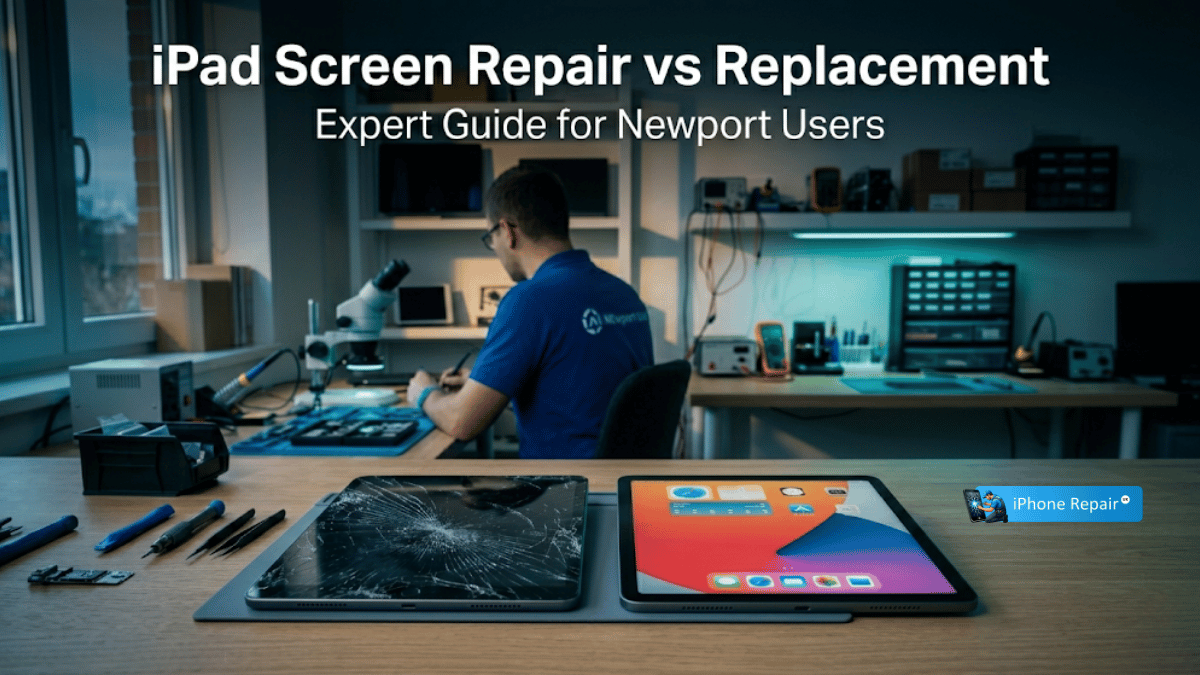
If only the top glass on your iPad is cracked and the display underneath still works, a screen repair (digitiser replacement) is typically the most cost-effective option, ranging from around £80 to £250 depending on the model. If the LCD or OLED panel is also damaged—showing black spots, coloured lines, or dead touch zones—a full screen assembly replacement is required. For iPads over four to five years old where the repair cost exceeds 50–60% of a new device’s value, replacing the iPad entirely often makes better financial sense.
A cracked iPad screen is a common headache, and the first question most people ask is whether it’s worth repairing or whether they should simply buy a new one. The honest answer is: it depends. The right choice hinges on the extent of the damage, the age and model of your iPad, the type of display technology it uses, and your budget. This guide breaks down every factor so you can make a confident, informed decision.
If you already know you need a fix and want to get the ball rolling, take a look at our screen repair services or book a same-day repair in Newport.
Understanding iPad Screen Construction
Before comparing repair versus replacement, it helps to understand what’s actually inside an iPad screen. Depending on the model, your iPad uses one of two display architectures:
Non-Laminated Displays (Separable Glass)
Found on older and entry-level iPads (such as the iPad 6th through 9th generation). These screens have three distinct, non-bonded layers: the outer glass, the digitiser, and the LCD panel. A technician can replace just the cracked glass and digitiser without touching the LCD, provided the LCD itself is undamaged. This “glass-only” repair is significantly cheaper than a full assembly replacement.
Laminated Displays (Fused Assembly)
iPad Air, iPad Pro, and iPad mini (4th generation onwards) use laminated displays where the glass, digitiser, and LCD (or OLED on the latest Pro models) are fused into a single unit. The benefit is a thinner, sharper screen with no visible air gap. The downside is that if any layer is damaged, the entire fused assembly must be replaced.
Knowing which type your iPad has is the first step toward understanding your repair options and likely costs.
Option 1: iPad Screen Repair
Screen repair means replacing only the damaged component—either the glass and digitiser alone (on non-laminated models) or the full screen assembly (on laminated models where the damage hasn’t extended to the logic board or other internals).
When Repair Is the Right Choice
Repair typically makes sense when the iPad is relatively recent (less than four years old), the damage is limited to the screen itself, the frame and housing are not bent or warped, and the repair cost is well below the price of a replacement device. For many models, a professional screen repair costs between £80 and £300—a fraction of a new iPad’s price.
Advantages of Repairing
- Cost-effective. Even a full assembly replacement on an iPad Pro is substantially cheaper than buying a new unit.
- Data retention. Your apps, photos, settings, and downloaded content remain untouched.
- Environmentally responsible. Repairing extends the device’s useful life and keeps it out of landfill.
- Quick turnaround. A professional repair can often be completed the same day.
Potential Drawbacks
- Part quality matters. Non-genuine replacement screens may lack True Tone calibration or exhibit reduced touch sensitivity.
- Hidden damage. A severe impact may have also damaged internal components. A thorough diagnostic is essential.
- Frame integrity. If the aluminium housing is bent or warped, a new screen may not seat flush, leading to uneven gaps or future cracking.
Option 2: Full iPad Replacement
Replacement means purchasing a new or refurbished iPad instead of repairing the damaged one. Refurbished iPads from Apple or reputable sellers can offer excellent value.
When Replacement Makes More Sense
Consider replacing if the iPad is more than four to five years old and approaching the end of iPadOS software support, if the repair cost exceeds 50–60% of a comparable new or refurbished device’s price, if there is significant additional damage beyond the screen (bent frame, faulty logic board, battery degradation), or if you’ve been looking for an excuse to upgrade to a model with better performance, Apple Pencil support, or a larger display.
Advantages of Replacing
- Full warranty. A new iPad comes with a standard one-year Apple warranty.
- Latest features. Newer iPads offer faster processors, better cameras, USB-C connectivity, and longer software support lifecycles.
- No risk of hidden damage. You start with a clean slate—no lingering concerns about unseen internal faults.
Drawbacks of Replacing
- Significantly higher cost. Even entry-level iPads start at several hundred pounds. iPad Pro models can exceed £1,000.
- Data migration required. You’ll need a recent backup to transfer your apps, photos, and settings.
- Environmental impact. Manufacturing a new device has a substantially larger carbon footprint than repairing an existing one.
Quick Decision Guide
Use this summary to help determine the right path for your situation:
| Scenario | Recommendation | Why? |
|---|---|---|
| Only the top glass is cracked; display works | Repair | Glass-only or digitiser replacement is affordable and quick |
| LCD shows black spots, lines, or dead touch areas | Full screen replacement | The LCD/OLED is damaged and must be replaced along with the glass |
| iPad is 4+ years old | Consider replacing | Software support may end soon; other components may be ageing |
| Frame is bent or warped | Specialist repair or replace | A new screen won’t sit properly without frame correction |
| Repair cost exceeds 50–60% of new device price | Replace | Better value to invest in a new, warranted device |
| You have AppleCare+ | Repair (via Apple) | Low excess makes Apple’s own repair very cost-effective |
What to Look for in a Repair Provider
Not all repair shops deliver the same quality. When choosing where to have your iPad screen repaired, consider these factors:
- Part quality. Ask whether the shop uses OEM-grade or aftermarket screens. Lower-quality replacements may appear fine initially but can develop issues like ghost touch, reduced brightness, or poor lamination adhesion over time.
- Warranty. A reputable provider should offer a warranty on both parts and workmanship. If a shop won’t guarantee their work, that’s a red flag.
- Diagnostic before commitment. The best shops run a full diagnostic before quoting. This identifies hidden damage and prevents you from paying for a screen repair only to discover the logic board also needs attention.
- Technician experience. iPad screen removal involves heat, suction, and careful prying around delicate flex cables. A single slip can sever the home button cable or damage the LCD connector. Experience matters enormously.
How We Handle iPad Screen Repairs at iPhoneRepairUK
At our Newport workshop, every iPad screen repair follows a structured process designed to deliver reliable results:
-
Free Diagnostic
We assess the full extent of the damage—screen, frame, internals—and provide a transparent quote with no obligation. -
Careful Disassembly
The iPad is heated to loosen the adhesive securing the screen, then the display is carefully separated using professional-grade tools to avoid damaging internal cables. -
Component-Level Inspection
With the screen removed, we inspect the LCD connector, battery condition, and frame integrity before fitting the new display. -
Quality Screen Fitting
The replacement screen is connected, tested for full touch responsiveness and display quality, and then securely bonded to the frame using fresh adhesive. -
Final Testing
We verify touch accuracy, display colour, brightness, camera function, and button responsiveness before handing the iPad back to you.
Most iPad screen repairs are completed the same day, and every job is covered by our parts and workmanship warranty.
Frequently Asked Questions
Is it better to replace an iPad screen or buy a new one?
It depends on the iPad’s age and the repair cost. For iPads less than four years old with damage limited to the screen, repair is almost always the better financial choice. If the iPad is older, has additional hardware problems, or if the repair quote exceeds half the cost of a new device, replacement may offer better long-term value. For a personalised assessment, view our FAQs or bring your iPad in for a free diagnostic.
What is the difference between screen replacement and screen repair?
In common usage, “screen repair” often refers to replacing just the cracked front glass and digitiser while keeping the original LCD intact—possible on non-laminated iPad models. “Screen replacement” typically means swapping the entire display assembly (glass, digitiser, and LCD/OLED as a fused unit), which is necessary on laminated iPads or when the LCD itself is damaged. The practical difference comes down to cost and complexity.
What are the disadvantages of screen replacement?
The main disadvantages are cost (a full assembly is more expensive than a glass-only repair) and the risk of losing features like True Tone if a non-genuine part is used. There’s also a small risk of hidden damage being discovered during the replacement—for example, a damaged LCD connector or a weakened battery—which can increase the overall repair bill. A good shop will identify these issues during the diagnostic stage.
Is repair and replacement the same thing?
Not quite. “Repair” means fixing or restoring the existing device—replacing a broken component while keeping the iPad itself. “Replacement” can mean either replacing a specific part (such as the screen assembly) or replacing the entire device with a new or refurbished unit. In the context of iPad screens, the distinction usually refers to glass-only repair versus full screen assembly replacement.
Let Us Help You Decide
Still unsure whether to repair or replace? Bring your iPad to our Newport workshop for a free, no-obligation diagnostic. We’ll give you an honest recommendation based on what makes the most sense for your device and budget.