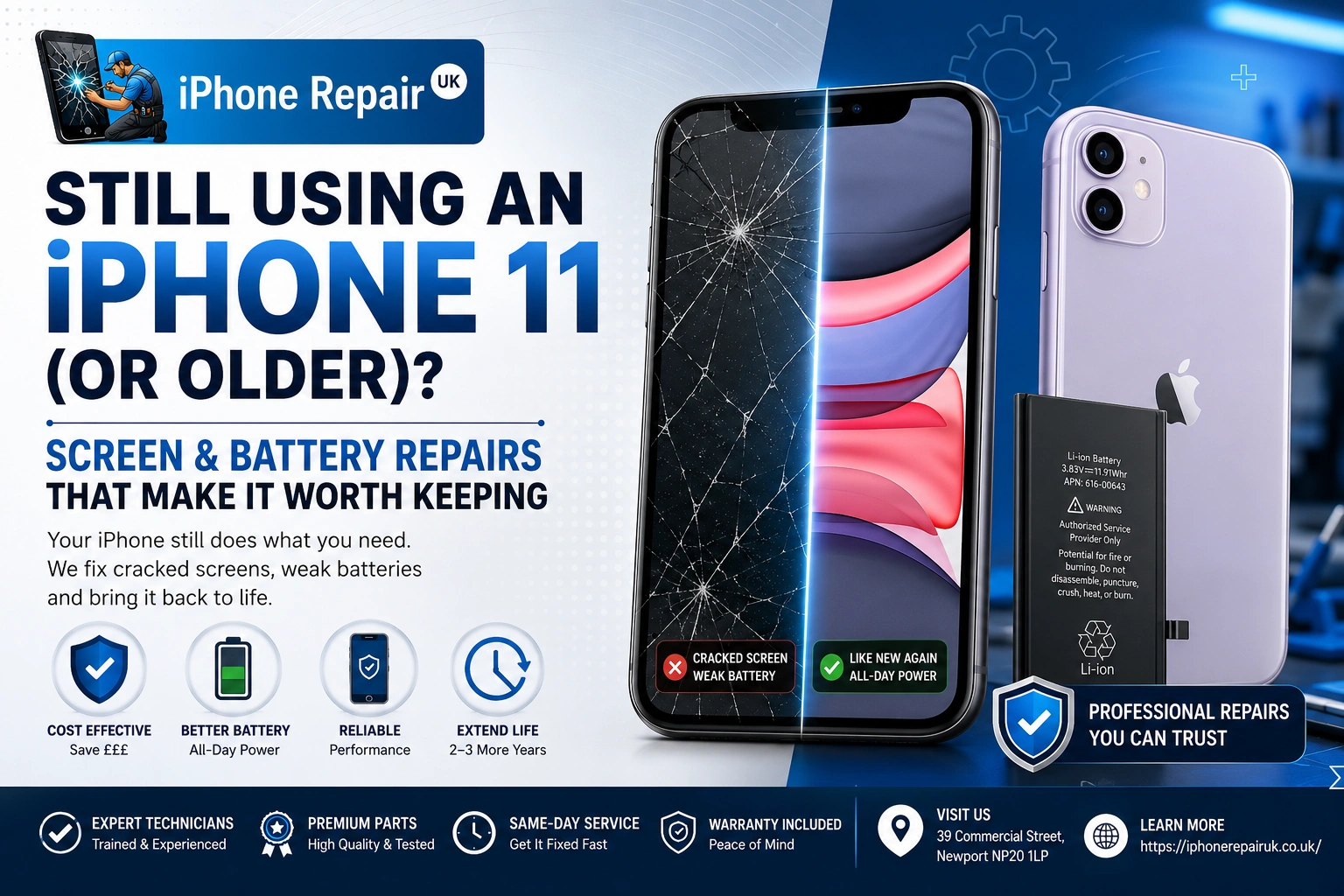
There’s a very good chance the iPhone 11 in your pocket right now still does the vast majority of what a brand-new iPhone 17 does. It handles Messages and Maps and Netflix and banking and mobile banking authentication and everything you actually use a phone for, day in day out. What it doesn’t do is hold charge like it used to, and there’s a spider’s web on the screen from the last drop. Do you spend £799 on a new one, sign up for another two-year contract, and start again? Or do you spend a fraction of that at a local Newport repair shop, get a fresh screen and a fresh battery, and squeeze another two or three good years out of a phone that already knows all your passwords, your fingerprints, your patterns?
For most iPhone 11 owners, and quite a few iPhone XR, XS, SE and even older owners, the honest answer is: repair it. Here’s why, when it doesn’t apply, and what an iPhone 11 screen replacement or battery job actually looks like at 39 Commercial Street.
Which iPhones This Guide Is For
Before we go any further, this post is aimed squarely at owners of these models. If yours is on this list, keep reading.
iPhone 11, 11 Pro and 11 Pro Max (Launched September 2019)
The bread-and-butter of older iPhone repairs in 2026. Six-year-old phones with A13 Bionic chips that are still, remarkably, fast enough for everything mainstream. Crucially, at WWDC 2026 Apple confirmed the iPhone 11 series is supported by iOS 27 — the update coming this autumn. That means you’re not on a dead-end phone. You’re on a phone that has at least another software cycle ahead of it, and possibly two.
iPhone SE 2nd Generation (2020) and SE 3rd Generation (2022)
Both SEs are officially supported by iOS 27. The 2nd-gen SE is essentially an iPhone 8 chassis with an iPhone 11’s A13 chip inside; the 3rd-gen SE runs the A15. They’re excellent candidates for battery and screen repair — cheap parts, straightforward disassembly, long software life.
iPhone XS, XS Max and XR (2018)
These are the tricky middle. All three ran iOS 26, but Apple dropped them from the iOS 27 supported list. That doesn’t mean the phones stop working — they continue to receive security updates for a couple more years, and every app you use today will keep working — but it does change the maths on whether a bigger repair is worth it. A £70 battery swap? Absolutely still worth it. A £180 combined screen and battery job? Weigh it more carefully.
iPhone X, 8, 8 Plus, 7 and Older
The older side of the guide. iPhone X was capped at iOS 16. iPhone 8 and 8 Plus went to iOS 16. iPhone 7 stopped at iOS 15. These phones will still receive some security patches for a while yet, and they still make calls and run WhatsApp and take photos, but you’re on a phone that’s approaching Apple’s own vintage or obsolete classification, and parts availability starts to matter. For an iPhone 8 with just a tired battery, a £60-something battery job is still often a great decision. For an iPhone 7 with a smashed screen and dodgy charging port, we’d be honest with you at the counter.
iPhone 11 Screen Replacement: Everything You Should Know
The iPhone 11 is the workhorse of this cluster, so we’ll go deep on it, and most of what’s true here applies to the SE and XR too. The Pro and Pro Max have OLED displays and behave slightly differently — noted below where it matters.
It’s LCD, Not OLED (and What That Means)
The iPhone 11 uses what Apple calls a Liquid Retina display — technically an LCD panel with a strong backlight. This is significant because iPhone 11 Pro and 11 Pro Max, and every iPhone from the X onwards on the flagship line, use OLED. LCD panels are cheaper to source, easier to replace, and less expensive to repair. This is the main reason iPhone 11 screen replacements sit at a comfortable price point — LCD parts simply cost less than OLED equivalents.
If you have an iPhone 11 Pro or Pro Max, you’re looking at OLED, which pushes the repair price up. The physical process is similar; the part is what drives the difference.
Genuine vs Aftermarket Displays — The Real Trade-Off
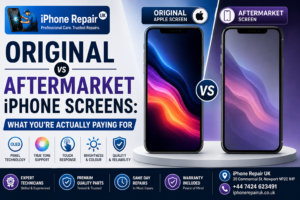
Here’s where we’ll be more direct than a lot of guides. For an iPhone 11, high-quality aftermarket LCDs are genuinely excellent. Colour accuracy, touch response, brightness — for the average user, side by side, indistinguishable from Apple’s own. That’s not a marketing line; that’s what we see across thousands of repairs.
Where aftermarket panels can fall short: True Tone may not work perfectly after fitting on non-Apple screens, or may need a programmer to transfer the sensor — on a well-equipped shop like ours, we can preserve True Tone on a high proportion of aftermarket iPhone 11 screens and we’ll be honest if we can’t on yours. Peak brightness in direct sun pushes slightly further on genuine LCDs — in practice, on a cloudy Newport day, unnoticeable, though occasionally noticeable on a sunny holiday walk. iOS 15 and later can show a small informational message under Settings, General, About, Important Display Message — it’s not a fault and your phone works perfectly.
Genuine Apple screens for the iPhone 11 cost roughly twice as much as premium aftermarket. Some customers want genuine and only genuine, and we source it. Most customers, when we lay out the trade-off, go with high-quality aftermarket for the value.
The Unknown Part Warning Myth
You may have read that non-Apple screens trigger Unknown Part or Important Display Message warnings that stop the phone from working. This isn’t true. The warning appears; the phone functions normally. Face ID works, touch works, brightness works, True Tone often works. What the warning does affect on newer iPhones from the iPhone 15 series onwards is Apple Intelligence and Machine Learning display calibration in a couple of edge cases. On an iPhone 11, it affects nothing meaningful.
Face ID After a Screen Job (Clearing Up the Myth)
We get asked this a lot: does replacing the screen affect Face ID? Short answer, no. Face ID uses the TrueDepth camera assembly at the top of the phone — the dot projector, flood illuminator, infrared camera and proximity sensor. None of that is on the screen glass. What matters is that the Face ID flex cable, which sits under the display, is carefully preserved during removal. That’s craftsmanship. When we do it right — and we’ve done thousands of them — Face ID works perfectly after a screen repair. If you’ve had a botched repair elsewhere and Face ID has stopped working, we can often recover it.
iPhone 11 Battery Replacement: What to Expect
An iPhone 11 battery in 2026 is between six and seven years old, which is at least two full generations past its useful design life. If you haven’t already had it replaced once, you almost certainly need to now.
Where the iPhone 11 Battery Sits After Six Years
For a typical iPhone 11 owner in Newport in 2026, expect Maximum Capacity in the mid-70s to low-80s. Some heavy-use phones have already dipped below 70%. iOS may have enabled Performance Management under Settings, Battery, Battery Health and Charging to prevent unexpected shutdowns, which slows the phone down under load. That feeling of “my iPhone 11 feels slower than it used to” is almost always the battery, not the chip.
The Peak Performance Capability Warning
If you see “This iPhone has experienced an unexpected shutdown because the battery was unable to deliver the necessary peak power” in Battery Health, that’s iOS being extremely clear with you. Replace it. There’s a fuller checklist of the signs your iPhone battery needs replacing if you’d like more detail on what to look for.
Swollen Batteries — The Safety Flag
Six-plus years is exactly the window where iPhone 11 batteries start to swell. If you can see the screen lifting off the frame at the edges, or the back glass bowing outwards, or you can feel a bulge under the display: stop charging the phone, don’t press on it, and bring it in the same day. Ring 01633 549755 first if you want us expecting you. A swollen battery is a fire risk, and it’s not a job for a home tinker with a set of pentalobe screwdrivers off Amazon. We deal with them safely as a routine part of the work.
How Long a Fresh Battery Lasts in an iPhone 11
A new battery in an iPhone 11 will give you two to three years of solid daily use, sometimes more with careful heat management and Optimized Battery Charging enabled. That’s a lot of phone for the cost of a replacement, especially compared to signing a 24-month contract for a new device. Our Apple battery replacement service page covers what parts we fit, the warranty, and turnaround for every supported model.
What a Full Keep This Phone Refurb Looks Like
For iPhone 11 owners in particular, we often do a combined visit: screen and battery on the same day. Here’s what that looks like as a package.
The Classic Combo: Screen and Battery
If your iPhone 11 has both a cracked screen and a tired battery — which describes about half the older iPhones that come through our door — doing both at once saves you time and, honestly, saves you a small amount on labour since the phone’s already open. Same-day is easily achievable for the iPhone 11. Drop it in mid-morning, collect it late afternoon.
While We’re In There: Charging Port Cleanout
Six years of lint, pocket fluff, and Welsh weather does something to a Lightning port. If your iPhone 11 is charging intermittently, or wireless charging works but wired doesn’t, the port is often just clogged. This is a five-minute job when we’re already inside the phone. If the port itself is failing rather than blocked, our charging port replacement service covers a proper part swap.
While We’re at It: Camera Lens If Scratched
The rear camera lens on the iPhone 11 is a sapphire-glass cover. It scratches. If yours is badly scored, we can replace the lens on its own — much cheaper than replacing the whole camera module. It’s worth mentioning at the counter.
The Realistic Total Cost vs a New Phone
Even a full iPhone 11 refurb — new screen, new battery, port cleanout, camera lens tidy — comes in at a small fraction of what a new iPhone 17 would cost outright. Against a like-for-like second-hand iPhone 11 in good condition, you’re often ahead of the game just doing the repair. And you keep your phone: your data, your apps, your login history, the shape it’s worn to your hand.
A More Detailed Cost Picture
Because pricing depends on model and part choice, we won’t quote a fixed figure online. But our Newport iPhone repair costs and turnaround guide breaks down the ranges and what drives them. As always: free diagnostic, fixed quote before any work, pay only when it’s done.
The Repair vs Upgrade Maths for an Older iPhone
Here’s the honest reckoning we walk customers through at the counter.
iOS Support: Still Getting Updates?
If your model is still on Apple’s supported list — iPhone 11 series and iPhone SE 2nd gen are — the keep it argument is very strong, because you have at least another year of feature updates and multiple years of security patches ahead. If you’re on iPhone XS, XS Max, or XR with no iOS 27, you’re on your last major iOS but still getting security updates for a good while yet. If you’re on iPhone 8 or older, feature updates ended years ago and security updates are becoming intermittent.
Rough Second-Hand Value If You Upgrade
An iPhone 11 in good condition sells for around £120 to £180 on the used market in the UK. An iPhone 11 with a cracked screen and a tired battery sells for £40 to £70. The difference between those two figures is close to what a screen-and-battery repair costs. In other words, repairing pays for itself in resale value, even if you decide to sell rather than keep.
The Environmental Angle
Every new smartphone carries the embodied carbon of its manufacture — mining, refining, assembly, shipping. Extending the life of a working phone by two to three years is one of the highest-impact personal choices for reducing electronic waste. Repair also keeps the parts economy going. It’s a small thing on its own; it’s a significant thing when a whole town does it.
The Phone You Know Argument
There’s a real, hard-to-quantify value in the phone you already understand. You know where every setting lives. Face ID knows your face. Apple Pay knows your cards. Photos, Health, Wallet, Notes — all of it is already there. Migrating to a new iPhone works, but it’s not seamless: apps need re-authenticating, sometimes badly-behaved apps need reinstalling from scratch, and the first fortnight of a new phone is always slightly off.
When We’ll Honestly Tell You Not to Bother
We’re a repair shop; we’d rather do the repair. But there are cases where we’ll be straight with you and suggest an upgrade instead. If any of these apply, please come and talk to us anyway — we’ll tell you what we think.
Motherboard or Logic-Board Damage on an Old Model
If your iPhone 8 has a suspected logic-board fault — repeated boot loops, no image after a screen swap, unresponsive to charging — the cost of board-level micro-soldering repair on a phone that’s already at the end of its supported life is hard to justify against a £100 second-hand iPhone 11. On an iPhone 11 itself, we’d have a different conversation — board-level work makes sense.
iPhone 6, 6s and Older
We can still do batteries on these. Screens are harder to source in good quality, and every year that passes makes parts trickier. If you’re using an iPhone 6s as a fallback phone, a battery makes sense. If it’s your daily driver in 2026, a second-hand iPhone SE 2nd gen would give you a huge upgrade for very little money.
Multiple Stacked Faults on the Same Phone
An iPhone XS with a cracked screen, a swollen battery, a dodgy charging port and a Face ID fault is a phone where the total repair cost starts to overlap with a replacement. We’ll add it up honestly and tell you. Sometimes it still makes sense; sometimes it doesn’t. The free diagnostic exists specifically for this conversation.
The Bottom Line
Owning an iPhone 11 in 2026 is not a compromise. It’s a supported, capable, well-designed phone that runs the latest iOS and does everything most people actually use a phone for. Owning an iPhone SE 2nd or 3rd gen is genuinely great value. Even iPhone XR and XS, on their last iOS but still perfectly usable, deserve better than being thrown away because the battery has faded. A screen and a battery from a good local Newport repair shop turns any of these into a phone you can happily keep using for another couple of years, at a small fraction of the cost of a new iPhone.
If you’d like a fixed quote before you commit, contact us with your model and a description of what’s going on — a photo of any damage helps. You’re welcome to ring 01633 549755 or WhatsApp 07424 623491 with a photo of the phone if you’d rather ask before travelling. Or come and see us at 39 Commercial Street, Newport, NP20 1HP, between 9am and 6pm Monday to Saturday, 11am to 4pm on Sunday. Whichever iPhone you’ve got, we’ll give it an honest look, and we’ll tell you what we’d do in your position — repair, refurb, or straight talk about when a new phone is genuinely the better call.