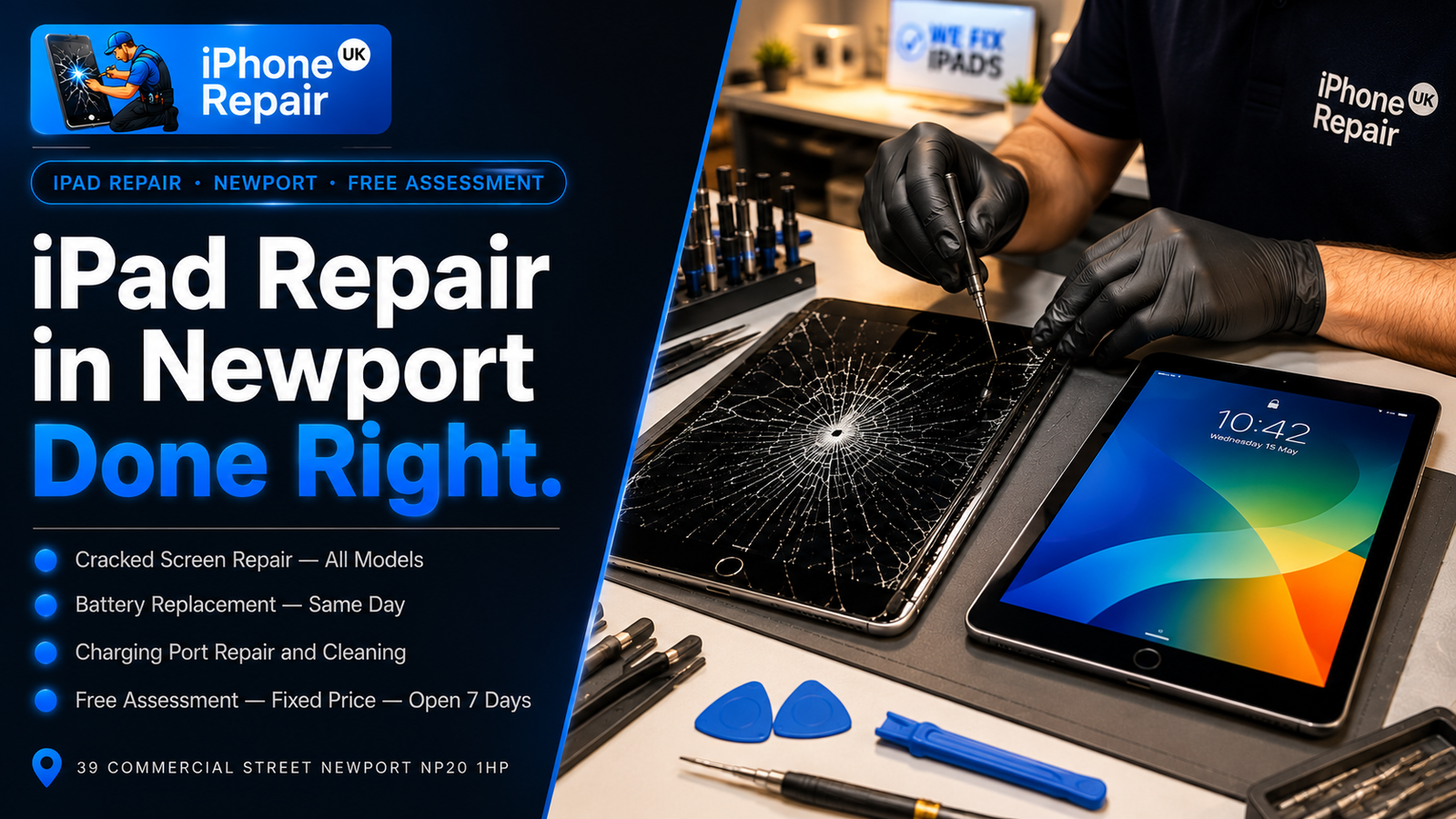
There is a moment every iPad owner dreads: the slip from the sofa, the knock off the kitchen counter, the spider-web of cracks spreading across the glass. And right behind it comes the assumption that quietly costs people hundreds of pounds — “well, that’s it, I’ll have to buy a new one.” In the large majority of cases, that simply is not true. A cracked iPad screen, a battery that no longer lasts the afternoon, or a tablet that refuses to charge are all everyday repairs, and they are very often far cheaper and quicker to fix than buying a replacement. This guide explains exactly what goes wrong with iPads, how each fault is repaired, how the model you own affects the cost, and what to expect when you bring yours in.
We repair iPads for students juggling coursework, families sharing one tablet between the kids, and remote workers who run half their day from an iPad on the kitchen table. Whatever yours is used for, here is the honest, practical picture.
It Is Probably Cheaper Than You Think: Why Repairing an iPad Beats Replacing It
iPads are expensive to buy, which is exactly why people assume they are expensive to fix. The two are not the same. A new iPad can run from a few hundred pounds to well over a thousand, while a typical repair — a screen, a battery, a charging port — is a fraction of that. Replacing an entire tablet because of one cracked corner is a bit like scrapping a car over a chipped windscreen.
There is also the question of everything that lives on your iPad. Notes, documents, photos, apps set up just the way you like them, downloads, and saved progress. A repair keeps all of that exactly where it is. A replacement means setting everything up from scratch and hoping nothing was missed. For most people, repairing is both the cheaper and the less stressful choice by a wide margin.
The only real catch is knowing the difference between a small fix and a larger one, because not all iPad repairs cost the same — and that mostly comes down to your specific model and which part has failed. We give a free assessment and a fixed price before any work begins, so you can make that decision with the actual numbers in front of you rather than a guess.
The Most Common iPad Faults We Fix
iPads, like iPhones, tend to fail in a handful of predictable ways. The ones we see most often are cracked or shattered front glass, a damaged LCD showing lines, blotches, dead areas, or a black screen, a touch screen that has gone unresponsive or registers phantom ghost taps, a battery that drains fast, will not hold charge, or shuts the iPad down early, charging faults where an iPad charges slowly, intermittently, or not at all, liquid and water damage from spills, and software problems including devices stuck on the Apple logo or in recovery mode.
Each of these is repairable, and most are same-day or next-day jobs depending on parts and your model. Let us go through the big ones properly.
iPad Screen Repair: Glass, LCD, and Why It Affects the Price
Screen damage is the number one reason iPads come through our door, and it is also the repair where understanding the technology saves you the most confusion about cost. Here is the part most shops never bother to explain.
Outer Glass Versus the Full Display
An iPad screen is really two things working together: the outer glass with the touch layer (the digitiser), and the LCD display panel underneath that produces the actual picture. What it costs to repair depends on which of these is damaged — and, crucially, on whether your model keeps them as separate layers or bonds them together.
If only the outer glass is cracked but the display beneath still shows a clear, working picture with full touch response, the damage may be limited to the glass. If the display itself is showing lines, black patches, or discolouration, or if touch has stopped working, then the LCD is involved and more of the assembly needs replacing. The more layers affected, the higher the cost — which is why two cracked iPads can be quoted very differently.
Laminated Versus Non-Laminated Screens — The Real Cost Driver
This is the single biggest factor in iPad screen repair pricing, and it is decided entirely by which model you own.
Older and entry-level iPads tend to use a non-laminated display, where the glass and the LCD are separate layers with a small air gap between them. On these models, a cracked outer glass can often be replaced on its own without touching the LCD — which keeps the repair more affordable.
Most newer iPads, and the entire iPad Air, iPad mini, and iPad Pro lines, use a laminated display, where the glass and LCD are fused into a single bonded unit, much like a modern iPhone. On these, you generally cannot separate the cracked glass from the working display, so a crack usually means replacing the whole bonded assembly. That is more expensive, simply because the part itself costs more.
None of this is meant to worry you — it is meant to explain why the first thing we do is identify your exact model, so we can tell you honestly whether you are looking at a lower-cost glass repair or a full display replacement. If you would like to think it through before deciding, our guide on iPad screen repair versus replacement walks through when each makes sense.
iPad Battery Replacement: Signs, Time, and What to Expect
Like every rechargeable device, an iPad battery wears out with age and use. After a few years it simply cannot hold the charge it once did, and the symptoms are easy to recognise.
The usual signs your iPad battery needs replacing are runtime that has collapsed from all-day to a couple of hours, a tablet that shuts down suddenly even when it claims to have charge left, very slow charging, or an iPad that gets unusually warm. One warning sign deserves special attention: if the screen or back of your iPad starts to bulge or lift at the edges, stop using it and bring it in promptly. That is a swelling battery, and while it is not a reason to panic, it is a safety issue that should be handled by a technician rather than ignored.
An iPad battery replacement is a more involved job than the equivalent on a phone, and it is worth knowing why. iPad batteries are large and are held in firmly with strong adhesive, and on laminated models the screen has to be removed with great care to reach the battery without damaging the display. Because of that, it usually takes longer than a quick phone battery swap — often a few hours or a next-day collection rather than a thirty-minute wait. The payoff is significant, though: a fresh battery restores the all-day runtime you remember and can make an older iPad feel genuinely worth keeping. iPad battery work falls under our wider Apple battery replacement service, and we will always quote it after checking your specific model.
iPad Charging Faults: Why It Won’t Charge and How We Fix It
An iPad that will not charge is one of the most frustrating faults, partly because the cause is not always obvious. Before assuming the worst, it helps to know there are several possible culprits, and a good diagnosis rules them out one by one.
The most common cause is the simplest: debris in the charging port. iPads spend their lives in bags, on sofas, and on desks, and the port at the bottom — Lightning on older models, USB-C on newer iPads, Airs, minis, and Pros — gradually fills with lint and dust that physically stops the cable making a clean connection. A careful professional cleaning often fixes this completely with no parts required.
If the port is clean but charging is still unreliable, the connector itself may be worn, bent, or damaged — sometimes from a cable that was forced in at an angle, sometimes from a knock or a spill. In that case the charging port assembly needs replacing. Less often, the fault sits deeper, on the charging circuitry of the logic board, which calls for more detailed work. There is also the easy-to-overlook possibility that the cable or charger is simply faulty rather than the iPad. We check all of these properly rather than swapping parts on a hunch, and iPad charging port work is covered by our iPhone and iPad charging port replacement service. The same diagnostic logic applies to iPads as much as iPhones — we confirm the cause before recommending any work.
iPad Water Damage, Touch Faults and Other Repairs
iPads suffer fewer spills than phones simply because they live in slightly safer places, but it absolutely happens — a knocked drink, a bathroom mishap, a rained-on bag. As with any device, liquid damage is time-critical: the corrosion inside begins almost immediately, so a water-affected iPad should be switched off, kept dry, and brought in as quickly as possible rather than left to dry out on its own. Our liquid and water damage repair service covers the assessment, cleaning, and drying process, and the same urgency rules apply to tablets as to phones.
We also handle the quieter iPad faults: a touch screen that has become unresponsive or registers ghost taps, software issues that leave a device stuck on the Apple logo or in a boot loop, and general unresponsiveness. Many of these turn out to be more straightforward than they first appear, which is exactly why a free assessment is worthwhile before you write a tablet off.
iPad Models We Repair — and How Complexity and Cost Vary
We repair the full range of Apple tablets, and because the models differ so much in construction, it is genuinely useful to know roughly where yours sits.
Standard iPad
The everyday iPad — the most popular and affordable line — is also one of the friendlier models to repair, particularly the older and mid-range generations that use a non-laminated screen. On those, a cracked outer glass can often be replaced on its own at a lower cost. Batteries and charging ports on the standard iPad are routine work for us. Note that the very newest standard iPads have moved to a laminated display, which brings them closer to the Air in repair terms.
iPad Air
The iPad Air uses a slim, laminated display where the glass and LCD are bonded together, so a cracked screen generally means a full display assembly replacement rather than a glass-only fix. That makes screen repairs more costly than on the older standard iPads, but still far cheaper than replacing the tablet. Battery and charging repairs are well within our regular work.
iPad mini
The compact iPad mini packs the same laminated screen technology into a smaller body, which makes its display repairs precise work. Its size means careful handling during any repair that opens the device, but cracked screens, tired batteries, and charging faults are all repairable.
iPad Pro
The iPad Pro is the most advanced and most expensive tablet Apple makes, with a fully laminated, high-specification display and a densely packed interior. Repairs here are the most involved and the parts are the priciest of the range, so screen replacements in particular sit at the top end. Even so, given what a new iPad Pro costs, repairing a single fault remains the sensible financial choice in almost every case.
The thread running through all of these is the same: the model determines the construction, the construction determines the complexity, and both determine the price. We identify your exact model first, every time, so the quote you get reflects your actual tablet rather than a one-size-fits-all guess. You can see our full range of repairs on the services page.
Frequently Asked Questions About iPad Repair
Can you fix a cracked iPad screen?
Yes — cracked iPad screens are one of our most common repairs. Whether it is a lower-cost glass-only repair or a full display replacement depends on your model and on whether the LCD beneath the glass is also affected. We identify which applies to your iPad during a free assessment and give you a fixed price before starting.
How long does an iPad battery replacement take?
Longer than a phone battery, because iPad batteries are large, firmly glued in, and often require careful screen removal to reach. Depending on your model and our workload, it is typically a few hours or a next-day collection. We will give you a clear timeframe when you bring it in.
Is it worth repairing an old iPad?
Often, yes. If the rest of the iPad works well and still receives software updates, a single repair such as a battery or screen can give it years of extra life for a fraction of a replacement’s cost. If a device is very old, has multiple faults, or no longer supports current software, we will tell you honestly when replacement is the better call.
What if my iPad has water damage?
Switch it off, keep it dry, and bring it in as soon as possible — do not leave it to dry out in rice or on a radiator. We carry out a free assessment, clean any corrosion, dry the device properly, and test which components have survived. The sooner we see it, the better the chance of recovery and of saving your data.
Will I lose my files and photos when you repair my iPad?
For standard screen, battery, and charging repairs, your data stays safely on the device and is not touched. Data is only ever at risk with severe water or board damage, and in those cases we discuss recovery options with you first.
Do I need to book in advance?
No — you are welcome to walk in during opening hours. For a less common model, it can be worth calling ahead so we can check parts. Either way, the assessment is free.
Bring Your iPad In for a Free Assessment
A damaged iPad is not the write-off most people fear. Cracked screens, fading batteries, and charging faults are everyday repairs, and on most models they cost a small fraction of buying new — while keeping all your files, apps, and photos exactly where they are. The only way to know for certain what your tablet needs, and what it will cost, is to have a technician take a proper look.
If your iPad needs attention, bring it to iPhone Repair UK at 39 Commercial Street, Newport, NP20 1HP. We are open Monday to Saturday from 9:00 AM to 6:00 PM and Sunday from 11:00 AM to 4:00 PM, the assessment is free, and you only pay once the repair is complete. Call or WhatsApp us on 07424 623491, or request a free quote through our contact page and tell us what is wrong. We will identify your model, give you an honest price, and get your iPad working again.