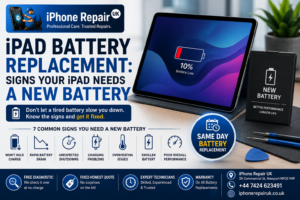
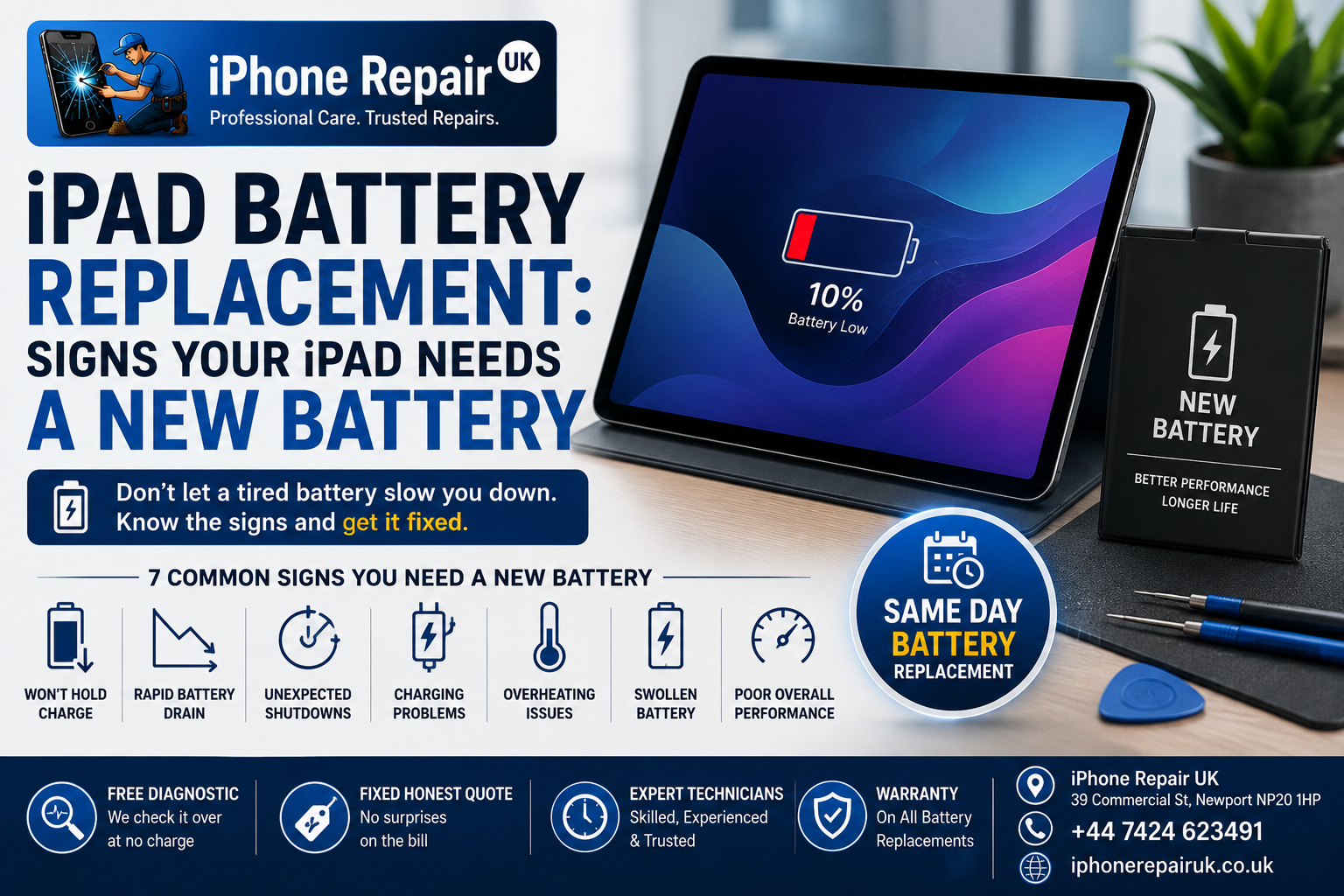
An ageing iPad rarely dies dramatically. It fades. The overnight drop from 80% to 50% you did not notice for a month. The way it starts running warm during a Zoom call it used to handle fine. The random restart in the middle of a film. The moment it dies at 30% and refuses to switch back on until it has been on the charger for ten minutes.
These are the small signals that your iPad battery is reaching the end of its usable life, and they build gradually enough that most owners just adapt without noticing. If your iPad won’t hold charge like it used to, or if the battery is draining fast in ways that were not happening a year ago, you are almost certainly looking at a battery problem rather than a software one.
This guide walks through the seven most common signs an iPad needs a new battery, how to check iPad battery health on both newer and older models, what to expect from an iPad Pro versus iPad Air versus iPad mini versus standard iPad in terms of battery life, and whether it is worth replacing an iPad battery rather than replacing the tablet itself. As an Apple-only workshop in Newport, we replace iPad batteries every week and see the full spectrum of failure modes.
Why iPad Batteries Age Differently From iPhones
iPads use the same underlying lithium-ion chemistry as iPhones, but the practical ageing pattern is often quite different, for three reasons.
iPad batteries are physically larger, ranging from around 20 Wh on smaller iPad and iPad mini models to over 40 Wh on 13-inch iPad Pros. The cells experience longer continuous discharge periods such as a two-hour film versus a five-minute phone browse, which produces different heat and stress profiles.
Most iPad owners do not charge daily. Devices sit on shelves or in bags for days between uses, then get charged intensively for a family holiday or work trip. Long periods at low charge produce chemical stress that regular top-ups avoid.
An iPhone might complete one full cycle every day, hitting 500 cycles in about eighteen months. An iPad often completes only two or three cycles a week, spreading the same 500 cycles over three or four years. The chemistry ages both by cycles and by calendar time, so an older, lightly-used iPad can still hit end-of-life through simple age even if cycle count is modest.
Apple rates iPad batteries at 1,000 complete cycles to 80% capacity under ideal conditions. In practice, most iPads reach practical end of life somewhere between year four and year six, driven by a combination of cycles, calendar age, temperature history, and how often they were left flat.
Sign 1: The iPad Won’t Hold Charge Overnight
Leave a healthy iPad off the charger overnight with everything closed. Idle drain should be minimal, typically 1% to 3% over an eight-hour period. A degraded battery cannot hold voltage as effectively, and idle drain climbs sharply.
Watch for waking up to find the iPad has dropped 10% or 20% overnight, coming back to the device after two or three days off the charger to find it flat, and the battery percentage falling even when the iPad is switched off completely. If you unplug at 100% and find 78% four hours later, the battery is either failing chemically or something is wrong with the battery management system. Either way, it is a service issue.
Sign 2: Rapid Drain During Normal Tasks
Battery drain during use should be predictable. Streaming video, browsing, or working in a document should give you roughly the runtime Apple quotes for your model, typically 10 hours of Wi-Fi browsing when the battery is healthy. A degraded battery cannot maintain that.
You might notice Zoom or FaceTime calls draining 20% or 30% in half an hour when they used to consume 10%, a movie eating half your charge when it used to consume 15%, the percentage dropping in visible steps rather than a smooth decline by jumping from 60% to 45% in a few minutes and then holding steady, or the iPad becoming unusable for work without being tethered to a charger.
These are all signs of reduced capacity combined with rising internal impedance. The battery still exists, but it cannot deliver energy for as long or as steadily as it used to.
Sign 3: Unexpected Shutdowns and Boot Loops
Sudden shutdowns are one of the clearest indicators of a battery approaching end of life. A battery with high internal impedance cannot supply the momentary current spikes the iPad’s processor demands under load, and when those spikes cannot be delivered, iPadOS shuts the device down to prevent damage.
The classic pattern is the iPad showing 30%, 40%, or even 50%, launching a demanding app or starting a video call, the screen going black, the device refusing to boot until placed on a charger for several minutes, and once booted, the battery percentage sometimes reporting differently to before the shutdown. Boot loops are the more severe version where the iPad tries to start, hits a power draw the battery cannot supply, and shuts down again, repeating until the device is connected to a charger with enough current headroom to power the boot process directly.
Both symptoms are safety-critical from a data-loss perspective. An iPad that shuts down mid-task can corrupt open documents. If you are seeing this pattern regularly, replace the battery before you lose work.
Sign 4: The iPad Is Charging Slowly or Refusing to Charge
Charging problems can be a battery issue, a charging port issue, or both. The distinction matters.
Battery-related charging problems typically look like the iPad accepting current but only slowly, taking six or seven hours to reach full when it used to charge in three or four, charging stopping well before 100% often around 80% or 90% and then refusing to progress, the iPad showing Not Charging despite being plugged in with a working cable and adapter, and charge levels jumping around unpredictably during charging.
Port-related charging problems typically look like the cable feeling loose in the port, charging only working if the cable is held at a specific angle, the iPad only charging with certain cables and not others, and debris visible in the port. If a thorough clean of the port and a fresh cable does not resolve the issue and other symptoms on this list are also present, the battery is the likely cause. If the port itself is damaged or dirty and no other symptoms are appearing, an iPad charging port replacement is often the fix rather than a battery service.
Sign 5: The iPad Runs Hot Under Light Load
Heat is both a cause and a symptom of battery ageing. A degraded battery has higher internal resistance, which produces more waste heat for the same power output. That heat then further accelerates the chemistry’s decline.
Warning signs include the iPad being warm to the touch during ordinary web browsing, the device becoming visibly hot during video calls or when playing media, warmth concentrated on the back panel where the battery sits, the iPad’s brightness auto-dimming to reduce heat during normal use, and fast charging generating more heat than it used to for the same input wattage.
Heat spirals compound. A hot battery ages faster, which produces a hotter battery, which produces more heat. If your iPad has moved from lukewarm to genuinely hot during ordinary tasks, the battery is contributing to that thermal signature. This is a good stage to service it, before more visible failures develop. Compounding this, the risks of cheap third-party chargers include poor voltage regulation that pushes even more heat into an already-stressed cell.
Sign 6: Physical Swelling (Screen Lift, Case Gap): Stop Using and Book Service
This is the one sign that overrides all the others. If your iPad shows any of the following, stop using the device and bring it in for inspection immediately.
The screen has started to lift from the aluminium frame at one or more edges. You can see a gap between the display glass and the chassis when the iPad is viewed from the side. A case that used to fit is now tight or refuses to snap closed. The iPad no longer sits flat on a table and rocks slightly on a bulge in the back panel. The back panel itself is domed in the middle rather than flat.
These are all signs of a swollen iPad battery. As lithium-ion cells degrade, they can generate gas internally. That gas has nowhere to go, so the pouch that contains the cell expands. In an iPad the battery pouch sits between the display and the back panel, so any swelling pushes them apart.
Swollen batteries are a real safety hazard. The gas is flammable. The internal pressure can damage the display, logic board, and other components. Continued use risks cracking the display from below, damaging the logic board and its power management chips, bulging further to the point where the battery ruptures, and in rare but documented cases thermal events where the battery heats rapidly enough to smoke or ignite.
A swollen iPad battery is not a repair to defer. Turn the device off, keep it away from heat and direct sunlight, do not attempt to charge it, and get it to a specialist. We handle swollen battery cases with additional safety precautions in the workshop, including inspection before opening and careful containment during the removal process.
Sign 7: iPad Battery Health Falling Below 80% (Where Visible)
Where your iPad supports it, the Battery Health screen tells you directly what state the battery is in. Compared to the iPhone, iPad support arrived late, and only newer models show the information natively.
Native Battery Health is available on iPad Pro (M4) and iPad Pro (M5), iPad Air (M2) and later, iPad (A16), and iPad mini (A17 Pro). On these models, the path is Settings, Battery, Battery Health. You will see Maximum Capacity, Cycle Count, Manufacture Date, First Use Date, and an 80% Charge Limit toggle. The same 80% threshold applies as a general replacement guideline.
On older iPads without native Battery Health, you have two options. First, extract the data from Analytics logs by going to Settings, Privacy and Security, Analytics and Improvements, Analytics Data, finding the most recent file, opening it and searching for MaximumCapacityPercent. The value is a raw percentage of design capacity. Second, connect the iPad to a Mac and use free tools like CoconutBattery or iMazing, which read the battery data over USB and work on every iPad regardless of iPadOS version.
An iPad reading 82% Maximum Capacity at 950 cycles has aged as designed. An iPad reading 82% at 300 cycles has aged prematurely, and something in its history such as heat, charging habits, or a cell defect is worth investigating.
Charge Cycle Life Across iPad Generations
Apple’s official spec sheet numbers give you a starting point, but real-world life is often longer, particularly on iPads that are not charged daily. iPad and iPad mini A-series pre-M-chip models are rated at 1,000 cycles to 80% with a typical calendar life of 4 to 5 years for average users. iPad Air and iPad Pro M-series models are also rated at 1,000 cycles with a typical calendar life of 5 to 6 years. Older iPad Pro A-series models are rated at 1,000 cycles with a typical calendar life of 4 to 5 years.
Because iPads cycle more slowly than iPhones, calendar ageing catches up before cycle life is exhausted. A five-year-old iPad Air used lightly a couple of times a week may still be under 400 cycles but performing significantly worse than the number suggests. The chemistry ages regardless of whether the iPad is being used. If you have a first-generation iPad Pro or an iPad Air 2 that has never had a battery service, it is almost certainly running on a chemically exhausted cell even if it still switches on. A battery service can add another two or three years of practical use to an otherwise fine device.
The Economics: iPad Battery Replacement vs Buying a New iPad
Here is where the numbers become interesting. iPad battery replacement cost UK ranges vary by model but generally sit well below the cost of a replacement iPad.
Rough UK market brackets for a professional third-party service are typically £69 to £89 for standard iPad older A-series generations, £79 to £99 for iPad mini, £89 to £119 for iPad Air older generations, £99 to £139 for iPad Air M-series, £109 to £149 for iPad Pro 11-inch, and £129 to £179 for iPad Pro 12.9-inch and 13-inch. Apple’s own out-of-warranty battery service tends to sit higher than these ranges, particularly on the Pro models. AppleCare+ coverage brings the direct cost down substantially if you have it.
Comparing against buying a new iPad, a current-generation base iPad starts around £329, iPad Air currently retails from £599, and iPad Pro starts around £999. For anyone with an iPad less than five years old that is otherwise working well, a battery replacement is nearly always the economically sensible option. You are paying between 15% and 30% of the cost of a new device to restore the battery, and you get another two to four years of use.
The decision tips towards replacement rather than repair when multiple failures are stacking up, when the iPad is older than six years and iPadOS support is ending, when you are running a workflow that depends on newer chip features, or when the current retail price of the replacement device has fallen substantially since launch. For a fuller breakdown on that decision specifically, we have written the maths on repair versus replacement for older iPads, which covers the same trade-offs for screen damage as well as battery.
What a Professional iPad Battery Replacement Should Include
iPad battery replacement is a more delicate procedure than iPhone battery replacement, primarily because most iPads use adhesive-bonded displays that must be removed and refitted carefully to avoid cracking. A professional service should cover a free pre-repair diagnostic to confirm the battery is the actual cause of the symptoms and not the charging port, logic board, or software. Controlled display removal using heat and suction to soften the display adhesive without cracking the glass is where corner-cutting is most common and most damaging. Battery calibration and pairing to iPadOS on newer models that support it ensures Battery Health reports accurately from day one. A correct replacement cell with capacity matched to the original specification is essential, not a lower-capacity generic. Fresh adhesive gaskets for both the battery bay and the display bonding preserve water resistance where the model supports it. Full function verification covering touch response across the display, brightness, speakers, Touch ID or Face ID, cameras, and charging behaviour must be completed. Post-repair calibration cycles help iPadOS establish accurate readings. And a warranty on the work, typically twelve months on the battery and workmanship, should be provided.
A common failure mode we see when customers bring in iPads that have been serviced elsewhere is a cracked display or damaged flex cables from a rushed disassembly. The physical size of an iPad display makes it easy to over-flex during removal, and a technician who fits one iPad battery every few months will not have the muscle memory a specialist workshop develops.
Booking iPad Battery Replacement in Newport
iPhone Repair UK is an Apple-only workshop at 39 Commercial Street in Newport, a short walk from Friars Walk, John Frost Square, and Newport train station. Because we work exclusively on Apple hardware, our technicians have fitted iPad batteries across every generation from the original iPad through to the current M-series Pro and Air models. That accumulated experience matters most on the fiddly steps: getting the display off cleanly, transferring the Touch ID or Face ID assembly without damage, and refitting the display so it seals properly against future spills.
Every iPad service starts with a free diagnostic. If the battery is the fault, we quote a fixed price up front. If the fault is actually the charging port, the logic board, or software, we tell you honestly and quote accordingly. Payment is on completion, not before. Most iPad battery replacements are completed within one to two working days, depending on model and current parts stock. For a fuller overview of what we cover across the iPad range, our full iPad repair service in Newport covers batteries, screens, and charging faults across all supported models.
To book a professional iPad battery replacement or arrange a diagnostic, call 01633 549755, WhatsApp 07424 623491, or drop into our workshop at 39 Commercial Street, Newport, NP20 1HP. We are open Monday to Saturday 9am to 6pm, and Sunday 11am to 4pm. You can also book a free iPad battery diagnostic via our contact page if you want to check availability first.
Frequently Asked Questions
How Do I Know If My iPad Battery Needs Replacing?
The clearest signals are overnight drain of more than 5% while idle, screen-on runtime notably shorter than Apple’s original spec, unexpected shutdowns at charge levels above 20%, slow charging or refusal to charge, excessive heat during light use, and any visible swelling that lifts the display from the frame.
Is It Worth Replacing an iPad Battery?
Almost always, if the iPad is less than six years old and everything else about it still works. A battery replacement typically costs 15% to 30% of a new iPad and can add two to four years of practical life. The decision tips toward replacement when multiple faults are stacking up or when iPadOS support is ending for your generation.
iPad Battery Replacement Cost UK: What Should I Expect to Pay?
UK market brackets for a professional third-party service run roughly £69 to £89 on older standard iPads, £79 to £99 on iPad mini, £89 to £139 on iPad Air, £109 to £149 on 11-inch iPad Pro, and £129 to £179 on 12.9-inch or 13-inch iPad Pro. Apple’s own out-of-warranty pricing tends to sit higher.
How Can I Check iPad Battery Health?
On iPad Pro (M4 and later), iPad Air (M2 and later), iPad (A16), and iPad mini (A17 Pro), go to Settings, Battery, Battery Health. Older iPads do not have this menu natively. You can find Maximum Capacity by opening Settings, Privacy and Security, Analytics and Improvements, Analytics Data, and searching the most recent log for MaximumCapacityPercent. Free Mac tools like CoconutBattery and iMazing also read the data over USB on any iPad.
Why Is My iPad Battery Draining Fast?
The three most common causes are chemical ageing of the cell below about 80% Maximum Capacity, a software issue causing background drain which is fixable through Settings, and hardware faults elsewhere in the device such as a failing charging IC or a damaged flex cable. If you have ruled out background app refresh, location services, and Bluetooth accessories and the drain persists, the battery is the likely cause.
Is a Swollen iPad Battery Dangerous?
Yes. A swollen lithium-ion battery contains flammable gas under pressure and can damage the display, logic board, and case as it expands. In rare cases it can heat rapidly enough to smoke or ignite. Stop using and charging the device, keep it away from heat, and bring it in for professional service.
How Long Does an iPad Battery Last on Average?
Apple designs iPad batteries to retain 80% capacity at 1,000 complete cycles under ideal conditions. Because most iPads cycle only two or three times a week, calendar age often reaches practical end of life before cycle count does. Four to six years is typical for most iPad owners.