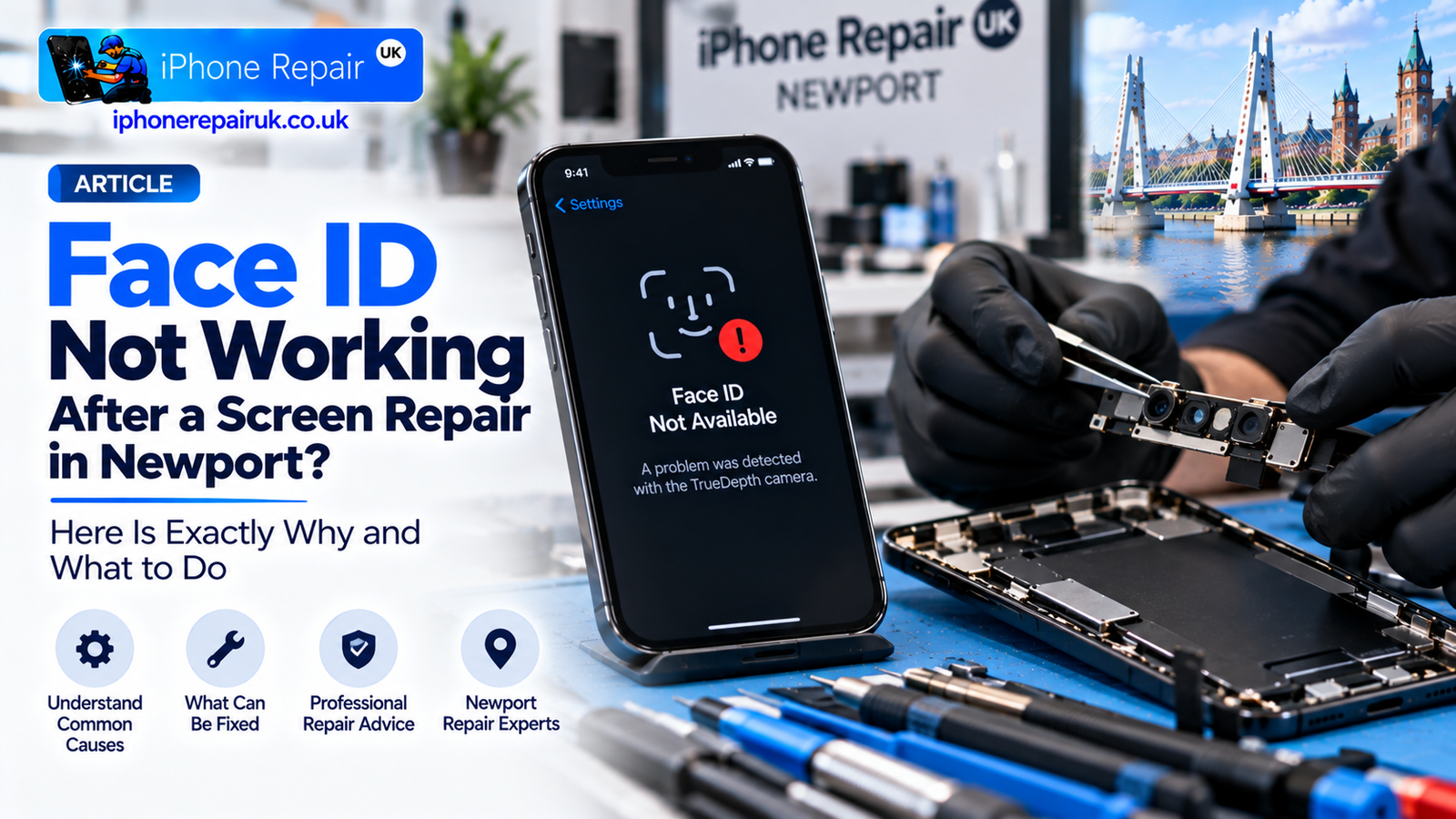
iPhone Face ID Not Working After a Screen Repair? Here Is Exactly Why and What to Do
Screen looks fine. Bill is paid. You go to unlock your iPhone the way you have for the last three years, and nothing happens. Then the message: Face ID Not Available. Or worse: A problem was detected with the TrueDepth camera. Or the Face ID toggle in Settings has quietly disappeared altogether.
If your iPhone Face ID is not working after a screen repair, the first thing worth knowing is that this is not normal. A properly done screen replacement should not affect Face ID at all, because the components that make Face ID work do not live inside the screen. They live in the TrueDepth camera assembly at the top of the phone, and that assembly is meant to be carefully transferred from the old display to the new one during the repair.
When Face ID stops working after a screen swap, the assembly was either damaged, disturbed, or replaced with a non-genuine part. This guide explains exactly which components matter, why Face ID is so unforgiving of even small errors, what can and cannot be recovered, and what to do if you have already had a repair done elsewhere and are looking at a Face ID error message on a phone you cannot unlock without your passcode.
As an Apple-only workshop in Newport, we see rescue jobs like this every month. Some of them we can fix. Some of them we cannot, and honesty about that is important. Either way, understanding what has happened puts you in a stronger position when you go back to the original shop and ask them to make it right.
The Essential Truth: Face ID Does Not Live In the Screen
This is the single fact that clarifies everything else. Face ID works through the TrueDepth camera system, which is a cluster of small sensors and cameras above the display, roughly where the notch or Dynamic Island sits. The screen itself is transparent to the infrared light that Face ID uses and does not participate in the biometric process. Replacing the display glass and OLED panel should have zero impact on Face ID.
The catch is that the TrueDepth assembly is physically connected to the display frame on most iPhones. To remove the old display, a technician has to unhook the TrueDepth flex cables, lift out the whole assembly, and then transfer it still intact, still working, and still paired to the phone’s logic board into the new display. It is a routine step for anyone who fits Face ID iPhones every day. It is a rushed, high-risk step for anyone who mostly repairs Android phones and does the occasional iPhone.
Every failure mode below traces back to something going wrong during that transfer, or something being replaced instead of transferred, or something being damaged along the way. The screen itself is almost never the problem.
What the TrueDepth Camera Assembly Actually Contains
TrueDepth is not one component but several, and Face ID depends on all of them working correctly and staying paired to the phone’s logic board.
The TrueDepth cluster contains the infrared camera that reads the pattern of dots projected onto your face, the flood illuminator that lights your face with invisible infrared light in low-light conditions, the dot projector that casts more than 30,000 tiny infrared dots onto your face to build a 3D depth map, the proximity sensor that detects when the phone is near your face during a call and switches off the screen, the ambient light sensor that reads room lighting for True Tone and auto-brightness, the front-facing RGB camera for selfies and FaceTime, and the earpiece speaker which sits within the same cluster.
Each of the Face ID-specific components including the IR camera, flood illuminator, and dot projector is cryptographically paired to the specific iPhone’s logic board at the factory. This pairing is what makes Face ID secure against spoofing: the phone will only accept authentication data from its own original sensors. If any of these components is disconnected, damaged, misaligned, or worst of all replaced with a non-genuine part, the phone’s Secure Enclave disables Face ID entirely to protect your data.
The ambient light sensor and proximity sensor are also paired on modern iPhones. Damage to either can produce Face ID errors even though they seem unrelated.
Why a Proper Screen Repair Should Never Affect Face ID
At a competent Apple-focused workshop, a screen repair on a Face ID iPhone follows a specific sequence. The battery is disconnected before any component is touched. The display screws are removed and the display is lifted carefully, keeping the TrueDepth flex cables attached at first. The TrueDepth flex cable is then disconnected from the logic board at the correct connector using the right tool and no excess force. The TrueDepth assembly is detached from the old display frame using controlled heat and a plastic pick to release the adhesive without stressing the flex cables. The entire TrueDepth cluster is transferred intact to the new display frame with precise alignment. The flex cable is reconnected to the logic board with the connector fully seated and no cable stress. The display is reassembled with the earpiece speaker mesh, foam gaskets, and screws all correctly placed. Face ID is tested immediately before the customer collects the phone.
Every one of these steps has a right way and a wrong way. Done properly, the whole transfer takes an experienced technician perhaps ten minutes. Done improperly, it destroys Face ID permanently.
The Common Ways Cheap Shops Break Face ID
Here are the specific failure modes we see when customers bring in a rescue job.
Failure 1: Torn TrueDepth Flex Cable
The most common failure. The flex cable that connects the TrueDepth cluster to the logic board is thin, tightly folded, and glued into place. Rushed removal without softening the adhesive first, or pulling the cable at the wrong angle, tears the cable. If the tear affects only the cosmetic front camera, Face ID may still work. If it affects the IR camera, dot projector, flood illuminator, or ambient light sensor traces, Face ID is dead.
A torn cable can occasionally be repaired by a microsoldering specialist who transplants the original sensor ICs onto a fresh cable. This is a specialist procedure, not something a general repair shop can offer, and it costs significantly more than the original screen repair should have. In many cases the microsoldering repair is worth it only if the phone is a recent flagship model.
Failure 2: Non-Genuine Part Substituted
Some shops, when they damage a TrueDepth component during removal, simply fit a generic aftermarket TrueDepth assembly rather than admitting the mistake. This does not work. The Face ID components are serial-locked to the phone’s logic board, and a swapped assembly triggers the Face ID Not Available error immediately. Even a genuine Apple TrueDepth assembly transferred from a donor iPhone will fail Face ID authentication because it is paired to a different logic board.
The only assemblies that will keep Face ID working are the original ones that came with the phone. This is why transfer, not replace is the golden rule of TrueDepth handling.
Failure 3: Connector Not Seated Properly
Sometimes the flex cable is not physically damaged, just not fully connected to the logic board. The connector needs to click into place precisely. If it is sitting at an angle or partially inserted, iOS reports Face ID errors intermittently or persistently. This is the good failure mode because it is fully recoverable: a competent workshop can reopen the phone, reseat the connector correctly, and Face ID returns.
Failure 4: Aftermarket Screen Interferes With Sensor Alignment
Cheap aftermarket screens sometimes have slightly wrong dimensions or use different foam gaskets and dust filters compared to Apple originals. If the mesh over the TrueDepth cutout is misaligned, blocked, or the wrong material, the IR sensors can no longer see through it correctly. Face ID starts failing intermittently, especially in bright light or low light where the sensors have to work harder. Our previous guide on how aftermarket screens can affect Face ID and True Tone covers the wider quality trade-offs on aftermarket panels in more detail.
Failure 5: Damage to the Earpiece Speaker Mesh
The earpiece speaker sits within the TrueDepth cluster, and its mesh is right next to the IR sensors. A rushed reassembly can push mesh material or foam gasket into the sensor apertures. The visual clue is that selfies look mostly fine but Face ID cannot get a stable depth map.
Failure 6: Physical Impact During Reassembly
Dropping the display during handling, forcing screws that do not want to seat, or over-torquing the frame screws can all crack the tiny sensor lenses in the TrueDepth cluster. This is rare but permanent.
Failure 7: Pre-Existing Hidden Damage Revealed
Occasionally the phone came into the shop with an existing latent Face ID problem that was masked by the original working display, and the repair simply made it visible. This is less common than the other failures but does happen. A drop that cracked the screen can also have hairline-cracked the sensor lenses without producing an obvious failure until the screen is opened.
The Five Error Messages iOS Shows
Face ID can fail in several ways, and the specific message iOS displays tells a technician a lot about what has gone wrong.
Face ID Not Available is the generic message and usually indicates the phone cannot communicate with one or more TrueDepth components. It could be a connector, a torn flex, or a damaged sensor. A problem was detected with the TrueDepth camera is more specific and means the Secure Enclave has detected that a paired component is either missing, replaced, or returning invalid data. This message often indicates non-genuine parts or a serialisation mismatch. The Face ID toggle greyed out in Settings means the hardware is present but iOS has disabled Face ID because the sensor data does not match what the logic board expects and often accompanies the problem detected message. The Face ID toggle disappeared entirely from Settings means iOS no longer sees the TrueDepth hardware at all and usually indicates a complete flex cable disconnection or a totally missing sensor. Face ID has been disabled — enter your passcode is common after certain iOS updates on affected phones, and sometimes fixable by resetting Face ID and re-enrolling, though sometimes it indicates deeper hardware issues that surface once iOS re-tests the sensors.
The pattern of the error also matters. Face ID that worked initially after the repair and failed days later usually indicates a marginal connection that finally gave way. Face ID that never worked after the repair usually indicates immediate damage or a wrong part.
What Can Be Fixed and What Cannot
Face ID failure caused by a poorly-seated flex connector can be fixed by a rework at a competent workshop, often in under an hour. Face ID failure caused by a misaligned earpiece mesh or foam gasket blocking sensors is a straightforward re-assembly fix. Face ID failure caused by an obstructed sensor from dust or debris is resolved by cleaning during a rework. Face ID failure caused by an aftermarket screen with wrong mesh cutouts is fixed by fitting a proper original or high-quality aftermarket screen.
A torn flex cable where the sensor ICs themselves are intact is recoverable with microsoldering from a specialist who can transplant the original chips onto a new cable. This is specialist work, priced accordingly, and only economical on newer flagship phones.
Physically damaged IR camera, dot projector, or flood illuminator sensors cannot be recovered as these components are cryptographically paired and cannot be replaced by any repair shop, only by Apple’s own repair infrastructure, and even then some scenarios trigger full device replacement. A non-genuine TrueDepth assembly already fitted also cannot be recovered by removing and refitting the original assembly if the original was thrown away by the previous shop, in which case Face ID is gone for good.
The critical honesty here is that not every Face ID failure can be fixed. If your original repair shop tore the flex cable or discarded the original TrueDepth assembly, there may be no path back to working Face ID short of an Apple full-device swap. Any workshop that promises to fix all Face ID failures with a simple flex cable swap is either not being honest with you or does not understand how Face ID authentication actually works.
If Face ID Broke After a Repair Done Elsewhere
Here is what to do in order.
Step 1: Do Not Try to Fix It Yourself
Attempting a DIY reassembly on an already-damaged phone is the fastest way to turn a fixable fault into an unfixable one. Do not open the phone again.
Step 2: Return to the Original Shop and Ask for a Rework Under Warranty
Every reputable repair shop offers a warranty on their work, usually 12 months. Face ID failure directly following a screen repair is a warranty claim, plain and simple. Bring the phone in, calmly explain the sequence with the screen replaced on a specific date and Face ID failing within a certain number of days, and ask them to rework the repair.
A competent shop will either fix it at no charge, cover the cost of a replacement TrueDepth assembly, or if the damage is beyond their capability refund the original repair and cover reasonable alternative repair costs elsewhere. If the shop refuses to engage, does not accept responsibility, or asks you to pay extra to fix a repair they just did, that tells you what to expect from future service and gives you grounds for a chargeback if you paid by card.
Step 3: If the Original Shop Cannot or Will Not Help, Seek a Second Opinion
Bring the phone to an Apple specialist for an independent inspection. We and other reputable Apple-only workshops offer this as a free diagnostic. We open the phone, assess the state of the TrueDepth assembly, identify the specific failure mode, and give you a written report explaining what has gone wrong. That report is valuable even if we cannot fix the fault, because it gives you clear evidence to take back to the original shop or to a card company for a dispute.
Step 4: Understand Your Options Honestly
Depending on the specific failure, your options are reseating the flex connector which is the cheapest fix if the fault is a poorly-seated connector, refitting the correct TrueDepth assembly if the original was retained or a compatible one can be sourced, microsoldering repair which is a specialist route for torn flex cables where the sensor ICs are intact and typically sits at £150 to £250 in the UK market, living without Face ID for older iPhones where microsoldering is not economical and the phone otherwise works normally with passcode-only unlock, trading in or replacing the device which is sometimes the honest answer particularly on older or lower-value iPhones, or an Apple full-device swap which is expensive but restores full functionality including Face ID.
Choosing a Repair Shop That Will Not Wreck Your Face ID
If you are about to book a screen repair on a Face ID iPhone, the questions to ask before committing are specific. Ask whether the shop fits screens on Face ID iPhones regularly, as a shop that fits multiple Face ID screens per week has the muscle memory while a shop that mostly does Android is higher risk. Ask how they preserve the TrueDepth camera assembly during the repair and they should describe transferring the assembly intact, not replacing it — if they say they replace the whole thing, walk out. Ask what happens if Face ID fails after the repair and a confident shop guarantees Face ID will still work and offers rework at no charge if it does not. Ask what warranty they offer and whether it covers Face ID as 12 months on screen and workmanship is standard and Face ID must be included. Ask about genuine versus aftermarket screens and how the choice affects Face ID, as a shop that understands the difference explains it clearly while a shop that says they are all the same does not understand the technology well enough.
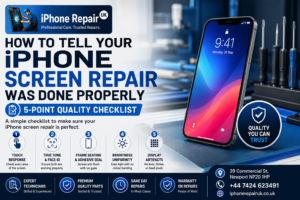
The 5-point post-repair checklist is worth running against every screen repair, whether ours or another shop’s. Face ID is one of the five specific checks, along with touch response, seal integrity, brightness, and display artifacts. For the wider question of what separates a competent shop from a poor one, our guide on vetting a reliable repair shop walks through the practical questions in more detail. And for anyone still weighing panel choices before booking, our full iPhone screen repair service covers what a professional repair actually includes, from part selection through to True Tone data transfer.
Booking a Face ID Diagnostic or Rescue Repair in Newport
iPhone Repair UK is an Apple-only workshop at 39 Commercial Street in Newport, a short walk from Friars Walk, John Frost Square, and Newport train station. We serve customers from Newport, Cwmbran, Pontypool, Caerleon, Risca, and across South Wales. Because we only work on Apple hardware, our technicians handle TrueDepth camera assemblies routinely and know the specific tolerances and cable routings that separate a clean transfer from a damaged one.
If you have had a screen repair done elsewhere and Face ID has stopped working, bring the phone in for a free diagnostic. We inspect the internal condition of the TrueDepth assembly, identify the specific failure mode, and give you an honest verdict on whether the fault is recoverable, what the recovery involves, and how much it costs. If the fault is beyond what any independent workshop can fix, we tell you plainly. There is no charge for the diagnostic and no obligation to book any repair. For customers weighing repair against replacement more broadly, typical iPhone repair costs and turnaround in Newport puts the numbers in context.
To book a Face ID diagnostic or a fresh screen repair with Face ID preservation guaranteed, call 01633 549755, WhatsApp 07424 623491, email info@iphonerepairuk.co.uk, or drop into our workshop at 39 Commercial Street, Newport, NP20 1HP. Our opening hours are Monday to Saturday 9am to 6pm, and Sunday 11am to 4pm. You can also book a free Face ID diagnostic through our contact page if you want to confirm availability before making the trip.
Frequently Asked Questions
Why Did Face ID Stop Working After My Screen Was Replaced?
The TrueDepth camera assembly, which contains all the Face ID sensors, sits at the top of the phone and has to be carefully transferred from the old display to the new one during any screen repair. If the assembly was damaged, disconnected incorrectly, or replaced with a non-genuine part, Face ID stops working. A properly done screen repair should never affect Face ID.
Can Face ID Be Fixed After a Screen Repair?
Sometimes yes, sometimes no. Faults caused by a poorly-seated connector, misaligned foam gaskets, or sensor obstruction can be fixed by a competent workshop reworking the repair. Faults caused by physically damaged sensors, non-genuine parts substituted, or discarded original components are usually not recoverable outside Apple’s own repair infrastructure. A specialist diagnostic tells you which category yours falls into.
Why Is Face ID Greyed Out After My Screen Repair?
This usually means the phone can see the TrueDepth hardware, but the Secure Enclave has disabled Face ID because the sensor data does not match what it expects. Common causes are non-genuine components, disturbed sensor calibration, or the original TrueDepth assembly not being properly reseated after the repair. Sometimes fixable by rework, sometimes not.
iPhone Face ID Not Working After Drop, Is That Different From Post-Repair Failure?
Similar mechanism, different trigger. A drop can crack the tiny sensor lenses on the IR camera or dot projector without visibly damaging the phone body. If Face ID stops working after a drop and the phone was not repaired, book a professional diagnostic to identify which specific sensor has failed.
How Much Does Face ID Repair Cost After a Bad Screen Replacement?
It depends entirely on the failure mode. A simple flex reseat can be under £50. A microsoldering flex repair sits at £150 to £250. A full TrueDepth assembly refit where the original assembly is available is roughly the cost of a standard screen replacement. A physically destroyed sensor is generally not economically repairable outside Apple’s own service, which for out-of-warranty devices can cost several hundred pounds.
What Does “A Problem Was Detected With the TrueDepth Camera” Mean?
It means the phone’s Secure Enclave has detected that a paired Face ID component is missing, damaged, or returning data that does not match its cryptographic pairing. Most often this appears after a repair where a TrueDepth component was replaced with a non-genuine part, or after physical damage to the sensor cluster.
Should I Go Back to the Shop That Did My Original Repair?
Yes, first. Face ID failure directly after a screen repair is a warranty claim. Every reputable shop covers this under their standard 12-month workmanship warranty. If the original shop refuses to help, seek an independent diagnostic and use the written report as evidence to escalate the complaint or request a chargeback from your card provider.